In the process of 3D printing, the calibration of printing platform (also called printing bed) is one of the key steps to ensure the printing quality. Whether using FDM (fused deposition modeling) or other types of desktop 3D printers, a horizontal and appropriate platform height can effectively prevent printing failure, uneven bottom surface of the model, poor adhesion and other problems. Therefore, mastering the correct platform calibration method is a basic skill that every 3D printing enthusiast and professional user should have.
1. Why do I need to calibrate the printing platform?
If the printing platform is not calibrated correctly, the distance between the nozzle and the platform will be inappropriate, which will lead to the following problems:
-The first layer of printing is not firm: the nozzle is too far away from the platform, and the material cannot be attached well.
-Poor or blocked extrusion: the nozzle is too close to the platform, which may block the nozzle or cause the material to be extruded abnormally.
-The bottom of the model is uneven: the uneven platform will lead to inconsistent contact between all parts of the model and the platform, which will affect the printing effect.
-Overall printing failure: Especially in long-term printing, the uneven platform may cause the model to become warped or even fall off.
Second, the preparation work before calibration
Before platform calibration, the following points should be ensured:
1. The printer is on a stable workbench: uneven placement of the printer itself will affect the calibration effect.
2. Nozzle cleaning: Nozzle blockage or residual material will affect the judgment of extrusion and platform contact.
3. Platform cleaning: Clean the platform with alcohol or warm water to remove oil stains and residues, which is helpful to improve the adhesion of materials.
4. Printer preheating: Some materials (such as ABS) need to be heated on the platform before accurate calibration can be carried out.
Third, the steps of calibrating the printing platform
Different 3D printers have slightly different calibration methods, but the basic process is similar, mainly including the following steps:
# 1. Manual leveling (applicable to most entry-level and mid-range models)
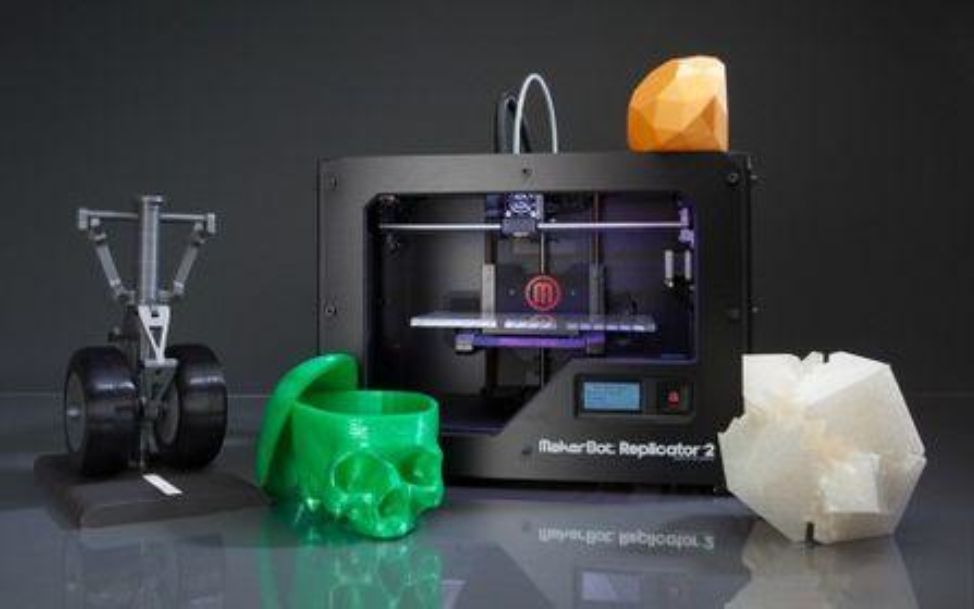
This is the most common calibration method, and the specific steps are as follows:
-Move the printing platform to the position closest to the nozzle (usually the lower left corner), and insert an A4 piece of paper between the nozzle and the platform. The adjustment screw makes the paper slightly frictional but slidable;
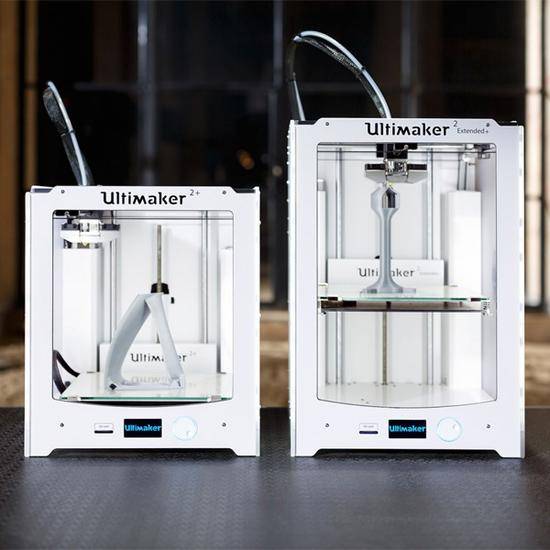
-Move the platform to the other three corners in turn, and repeat the above operations to ensure that the distance between each point and the nozzle is consistent;
-Check whether the middle position of the platform also maintains a consistent height, and make fine adjustments if necessary.
# 2. Automatic leveling (applicable to models equipped with sensors)
The automatic leveling function measures the height of the platform through a probe or a capacitive sensor, and automatically adjusts the printing path:
-Start the "automatic leveling" function, and the system will automatically scan the surface of the platform;
-The printer will generate a height compensation map based on the scanning results;
-In the subsequent printing process, the height of Z axis will be automatically adjusted to adapt to the uneven platform.
# 3. Software-assisted leveling (such as BLTouch, etc.)
Some high-end 3D printers support intelligent leveling devices such as BLTouch, which can achieve more accurate and stable platform leveling, especially for glass plates or non-conductive platforms.
IV. Precautions after calibration
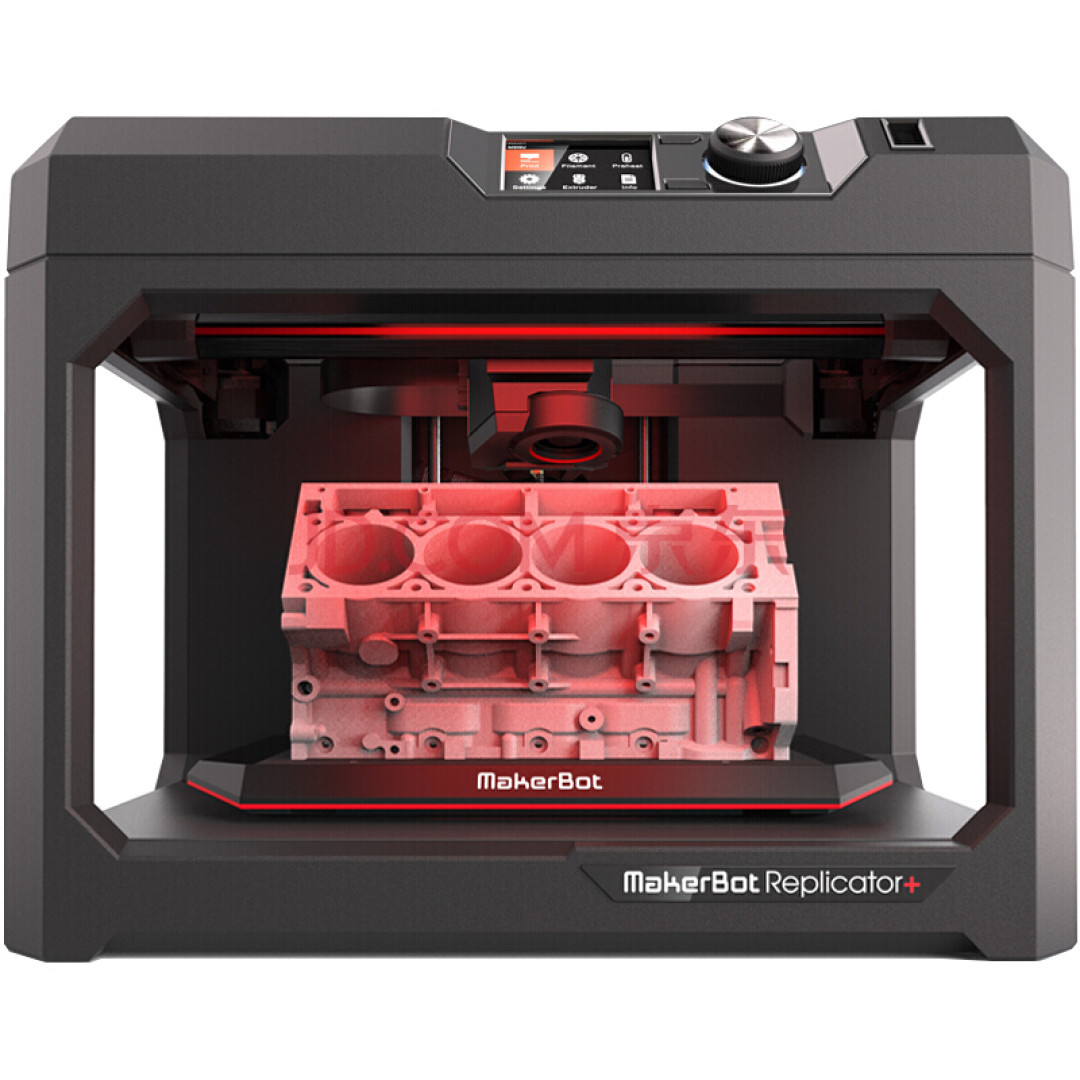
-After the calibration is completed, it is recommended to print a simple test model (such as a single-layer "bed viscosity test" pattern) to verify the calibration effect;
-With the increase of service time, the platform may become loose or deformed, so it is recommended to check it regularly and recalibrate it;
-After changing the platform material (for example, changing from PE plate to glass plate), leveling should be carried out again.
V. Conclusion
Although it seems simple to calibrate the printing platform, it is an indispensable and important link in 3D printing. Only by ensuring that the platform is horizontal and the distance between the nozzle and the platform is appropriate can we lay the foundation for high-quality printing. Both novice and experienced users should pay attention to this process and choose the appropriate calibration method according to the type of equipment and printing materials. Through continuous practice and experience accumulation, you will be able to master 3D printing technology more skillfully and enjoy the fun of creation.

 Hotline:18914229323
 18914229323
 huichangwen@126.com