With the popularization of 3D printing technology, more and more home users and small businesses begin to use 3D printers for personalized manufacturing and prototype design. However, in the process of use, many users will encounter a common problem-excessive noise. This not only affects the working environment, but also may interfere with the lives of family members or neighbors. Therefore, how to effectively reduce the noise of 3D printers has become the focus of users' attention.
First, the noise source analysis
To reduce noise, we need to know its source first. Usually, the noise of 3D printers mainly comes from the following aspects:
1. Mechanical vibration: The stepping motor, guide rail and belt will vibrate at high speed, which will cause noise.
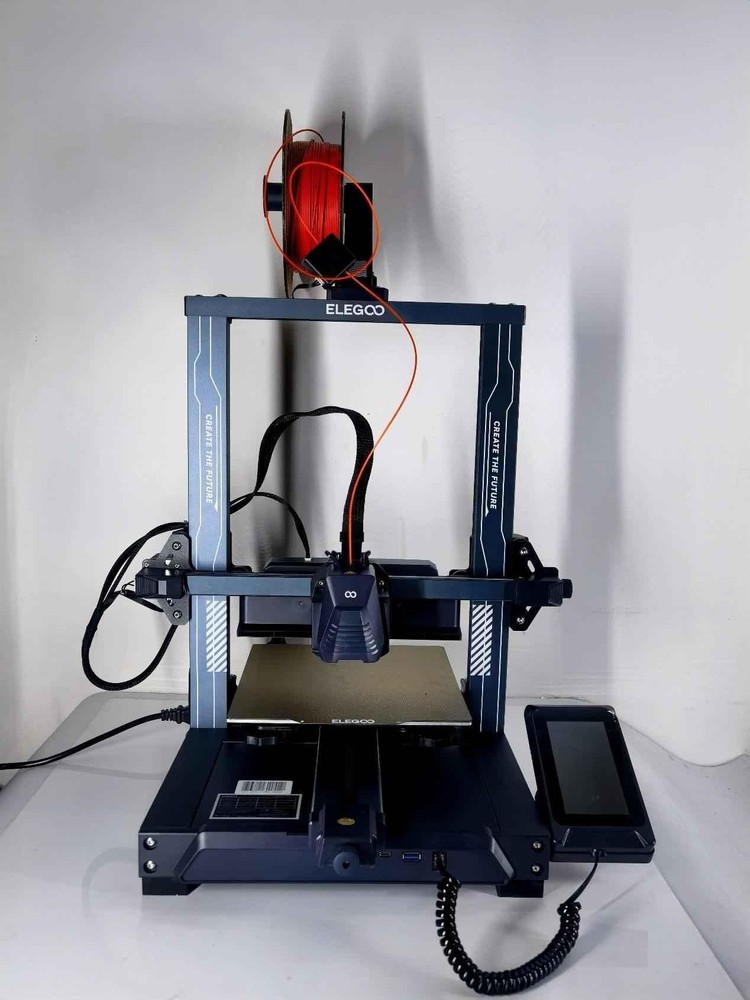
2. Fan noise: The fan that cools the motor, power module and printed parts is another major noise source.
3. Printing platform resonance: The metal platform may resonate with the fuselage during printing, amplifying the noise.
4. External environmental impact: the material of the desktop and the placement of surrounding objects may also amplify the noise.
Second, the specific methods to reduce noise

# 1. Optimize printer structure and materials
Selecting or modifying components with higher quality can significantly reduce noise. For example:
-Replace it with a silent stepping motor drive board (such as TMC series drive chips);
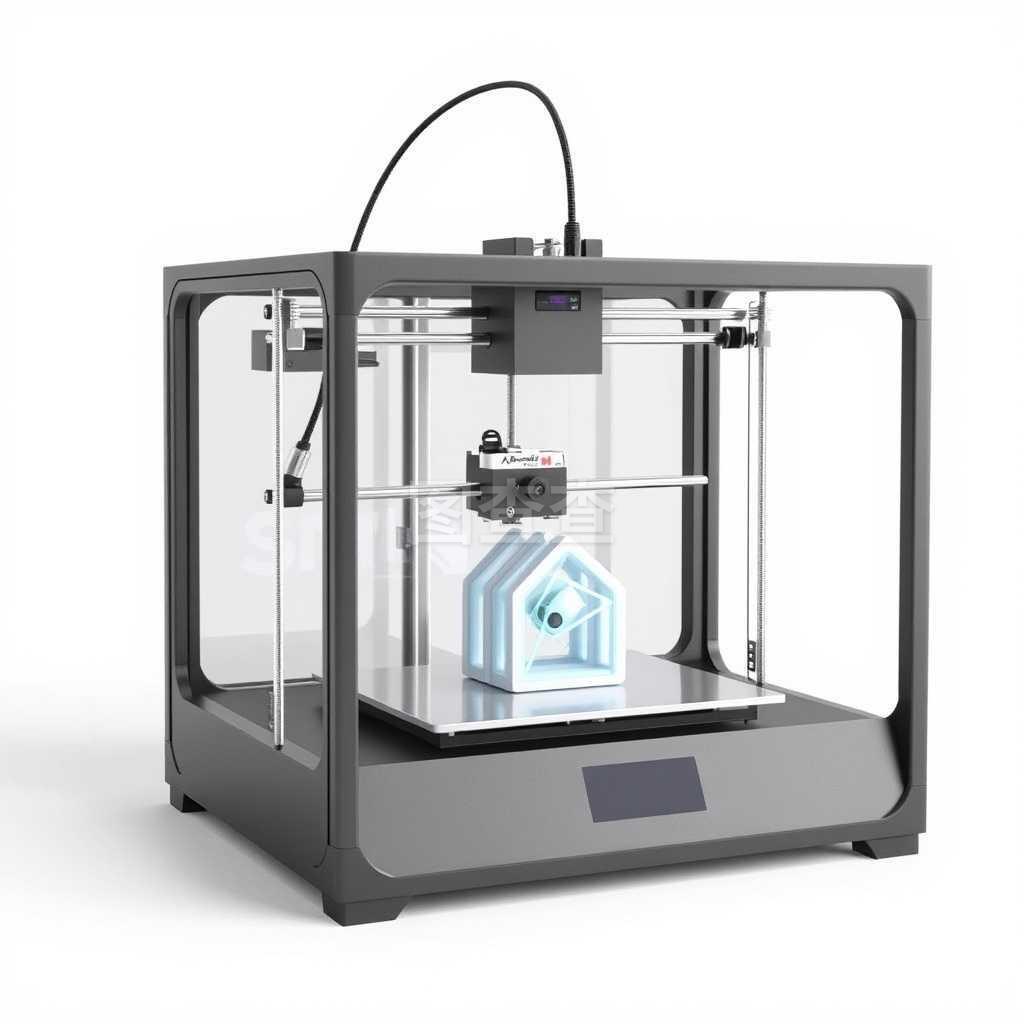
-Use smoother guide rails and bearings to reduce friction;
-The printer housing is wrapped with sound-absorbing materials (such as sound-insulating cotton and foam).
# 2. Shock absorption treatment
Vibration damping can effectively isolate the noise caused by mechanical vibration;
-Install rubber foot pads or spring damping devices at the bottom of the printer;
-Use a shock-absorbing platform or place the printer on a shock-proof table;
-Damping the fan, such as using a flexible fan bracket.
# 3. Adjust print settings
Some software settings can also help reduce noise:
-Reduce the printing speed, especially for models with small floors;
-Adjust the acceleration and jerk value to make the motor move more smoothly;
-Set nozzle temperature and cooling fan speed reasonably to avoid high noise caused by high-speed fan operation.
# 4. Optimize the use of fans
Fans are one of the important sources of noise and can be optimized in the following ways:
-install a low-noise fan instead of the original fan;
-Set the fan speed curve to make the fan run at high speed only when necessary;
-Install fan cover or air duct to concentrate airflow and reduce turbulence noise.
# 5. Improve the environmental layout
-Place the printer away from the living area;
-Use a soundproof cover or a custom soundproof box to enclose the printer as a whole;
-Avoid direct contact between the printer and the desktop or wall to reduce resonance propagation.
Third, the conclusion
Although it is difficult to completely eliminate the noise problem in the process of 3D printing, the noise can be completely controlled in a relatively comfortable range through structural optimization, shock absorption treatment, setting adjustment and environmental improvement. With the development of technology, the future 3D printers will also develop in a quieter and more efficient direction. For users, choosing the appropriate noise reduction strategy can not only improve the printing experience, but also create a quieter and healthier working environment.

 Hotline:18914229323

 18914229323
 huichangwen@126.com