With the continuous development of 3D printing technology, it has been widely used in manufacturing, medical care, education and other fields. However, in the FDM (fused deposition modeling) type of 3D printing process, the grain problem between layers (that is, "layer grain") is always a big problem that affects the surface quality and appearance of printed parts. Lamination not only affects the beauty of printed matter, but also may affect its structural strength and functionality. Therefore, how to effectively reduce the lamination has become an important topic in the optimization of 3D printing technology.
First, the causes of lamination
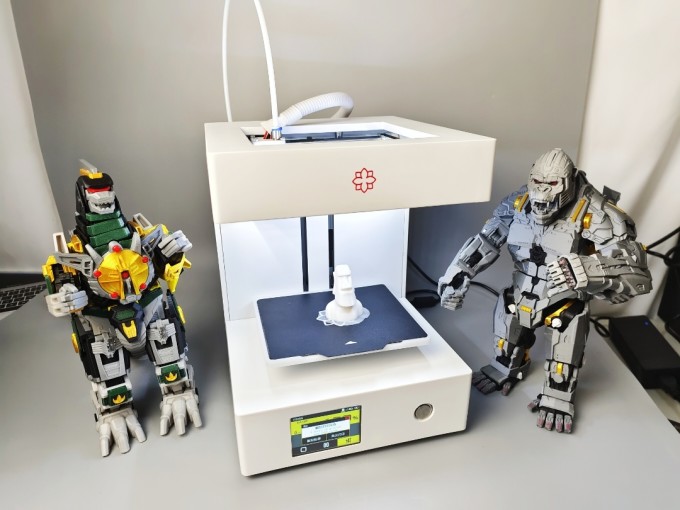
Lamination mainly comes from the principle of stacking layer by layer in FDM printing process. Each layer of material may shrink during cooling and curing, resulting in poor bonding between layers; At the same time, the movement track of the nozzle, the height setting, the filling rate, the printing speed and other factors will also aggravate the lamination phenomenon. In addition, the thermal expansion coefficient and cooling rate of the material itself are also important factors affecting the degree of lamination.
Second, the main methods to reduce lamination
1. Optimize the height setting
The height of the layer is one of the most direct factors affecting the layering. Generally, the smaller the height, the smoother the transition between layers and the less obvious the layering. For example, reducing the height of a layer from 0.2mm to 0.1mm can significantly improve the surface quality of a printed piece. However, it should be noted that the reduction of floor height will also extend the printing time and increase equipment wear.
2. Improve the printing temperature and platform temperature.
Properly increasing the nozzle temperature can make the materials flow and blend better, thus reducing the gap between layers. At the same time, keeping the temperature of the printing platform stable (such as using a heated bed) is helpful for the material to better adhere to the first layer, slow down the cooling speed, and reduce the interlayer separation caused by uneven cooling.
3. Control the printing speed
Printing speed is too fast, which may cause the materials to enter the next layer without full fusion, thus aggravating the layering. Properly reducing the printing speed, especially the printing speed of the outer layer and the detail part, is helpful to improve the adhesion and smoothness between the layers.
4. Use high-quality consumables
The influence of material quality on lamination can not be ignored. Low-quality or damp consumables are prone to problems such as bubbles, wire drawing and uneven cooling during printing, which leads to the aggravation of lamination. The use of dry and stable materials such as PLA, ABS or PETG is helpful to improve the printing quality.
5. Post-processing technology
For the formed printed parts, layering can be reduced by grinding, polishing, steam treatment or chemical solvent treatment. For example, using acetone vapor to treat ABS material can make its surface smooth and effectively cover up the lamination marks.
6. Use professional slicing software to optimize parameters.
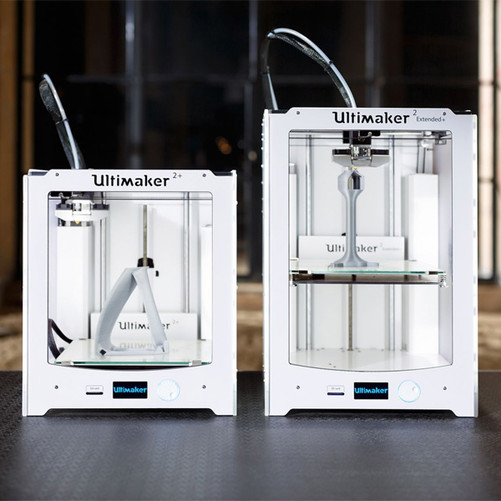
Modern slicing software (such as Cura, PrusaSlicer, etc.) provides a wealth of parameter adjustment functions. Users can further optimize the printing effect and reduce the lamination problem by adjusting the options such as Layer Cooling, Extrusion Width and Pumping Settings.
Third, the conclusion
Although the lamination problem is difficult to completely avoid in FDM 3D printing, the influence of lamination can be significantly improved by setting printing parameters reasonably, selecting high-quality materials and post-processing. With the development of 3D printing technology and materials science, we are expected to see smoother and seamless printing results in the future, thus further expanding the application boundary of 3D printing. For the vast number of 3D printing enthusiasts and professional users, mastering the technology of reducing layering is an indispensable part to achieve high-quality printing.

 Hotline:18914229323

 18914229323
 huichangwen@126.com